
Make a Logo on Canva for $0
Today and throughout this week we’re talking about how to make a good logo for $0! If you missed my first or second blog post on this, I highly recommend reading that first which you can do here and the second post which you can do here. Today we’re wrapping up the colors section of our $0 logo and finishing our Canva creation.
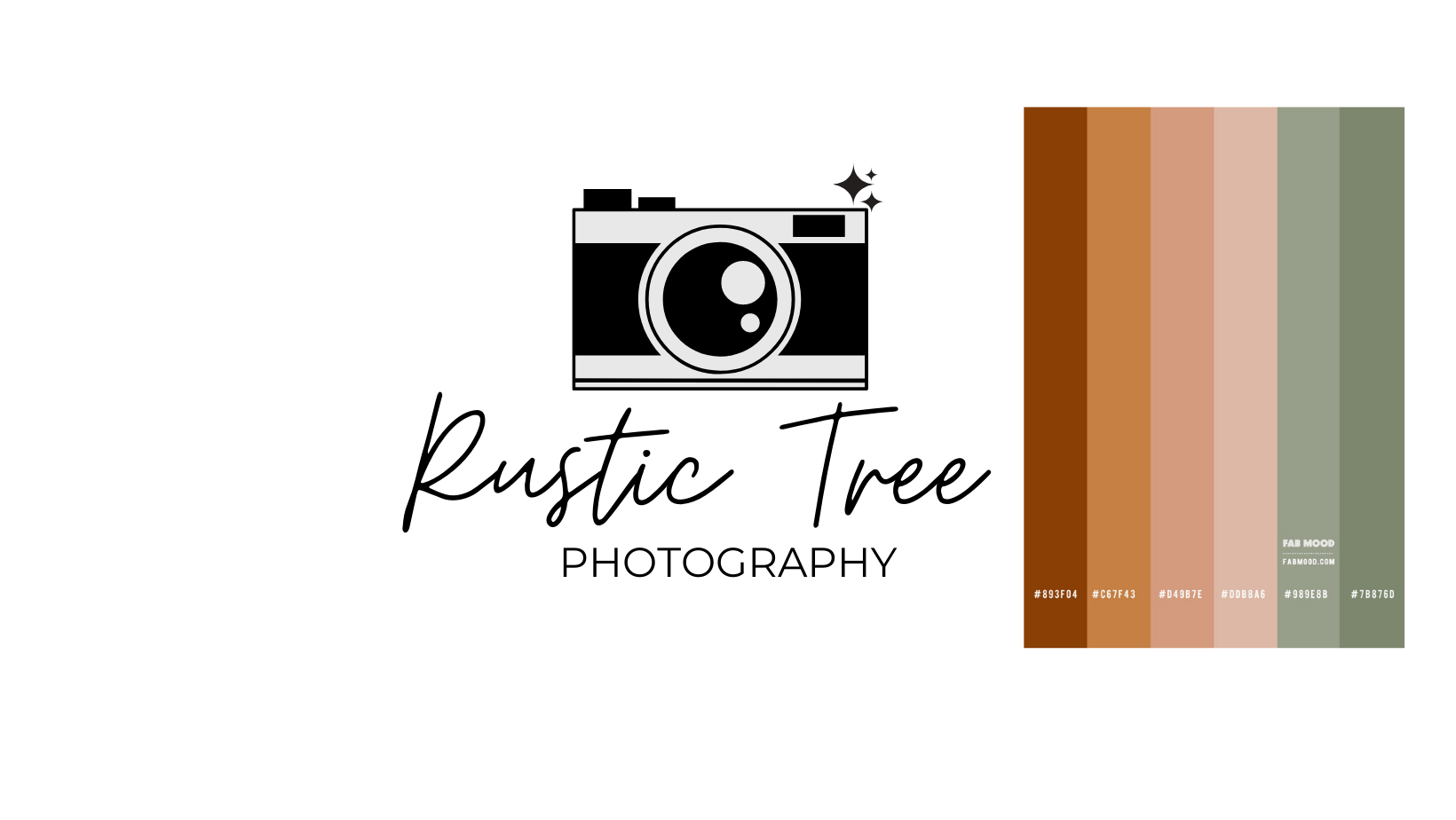
After my text and design elements are sized and places accordingly, we just need to add some color to all of it! I think it’s important to have 1-3 base colors (your black, whites, greys) and 2-4 branding colors (everything else). You’ll have to play around with the colors you have, but if you’re wanting to change the color of your text, you can just click on the text you want to change and there should be a place next to your font’s size to change the color. After you click that to get to the eyedropper (so you can pull the colors directly off of the palette), you’ll just select the plus sign at the top and there should be an eyedropper next to your color code spot.
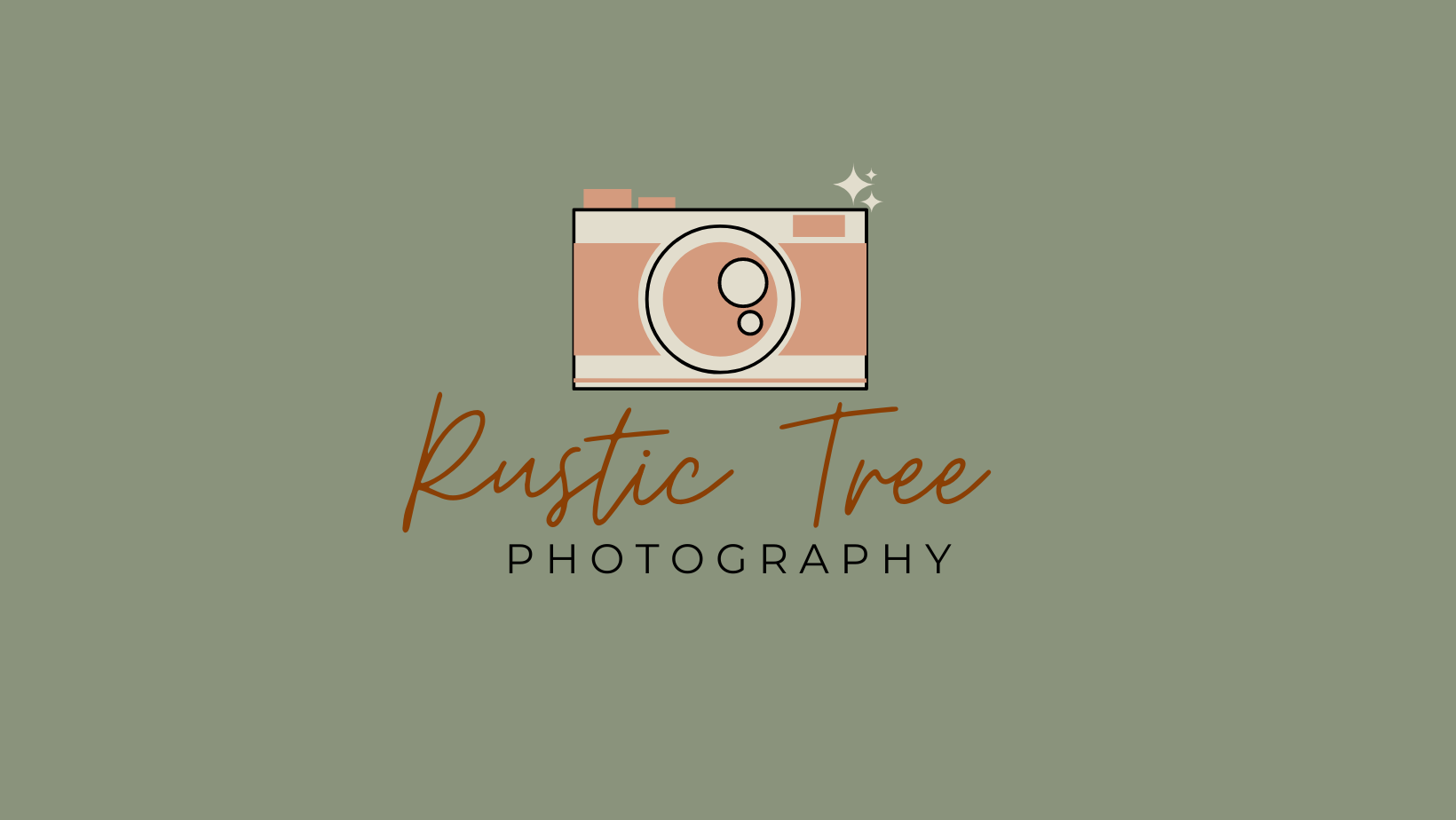
I’m really happy with the mockup I ended up creating. I think it would be a super solid starter logo for someone trying to create something on no budget. Like I said in my first post this week, there is a lot more that goes into branding beyond your logo. You can figure out who your target audience is through branding. You can figure out how to talk to your target audience in the best way possible through branding. You can identify who you are and what makes you different through branding. Talking to your customers like you would talk to a friend of a family member is fine, but wouldn’t you like the cheat sheet so you can get the clients/customers you want faster? Sure you can say that your target audience is females in their 30’s, but don't you want to have a better idea of who you’re talking to so you know how to market yourself in the best way possible? Yes the colors, fonts, and logos are important as well, but just as important as figuring out who you are and who you’re serving.
If you want to learn more about the branding packages I offer, feel free to take a look on my services page. If you’d like to stay up to date every time I post, sign up for my newsletter in the footer below. Hopefully these posts can help a small business owner with no budget create a logo that works for them.
See you later!

Cover photo shot by: Dorothy Louise Photography